
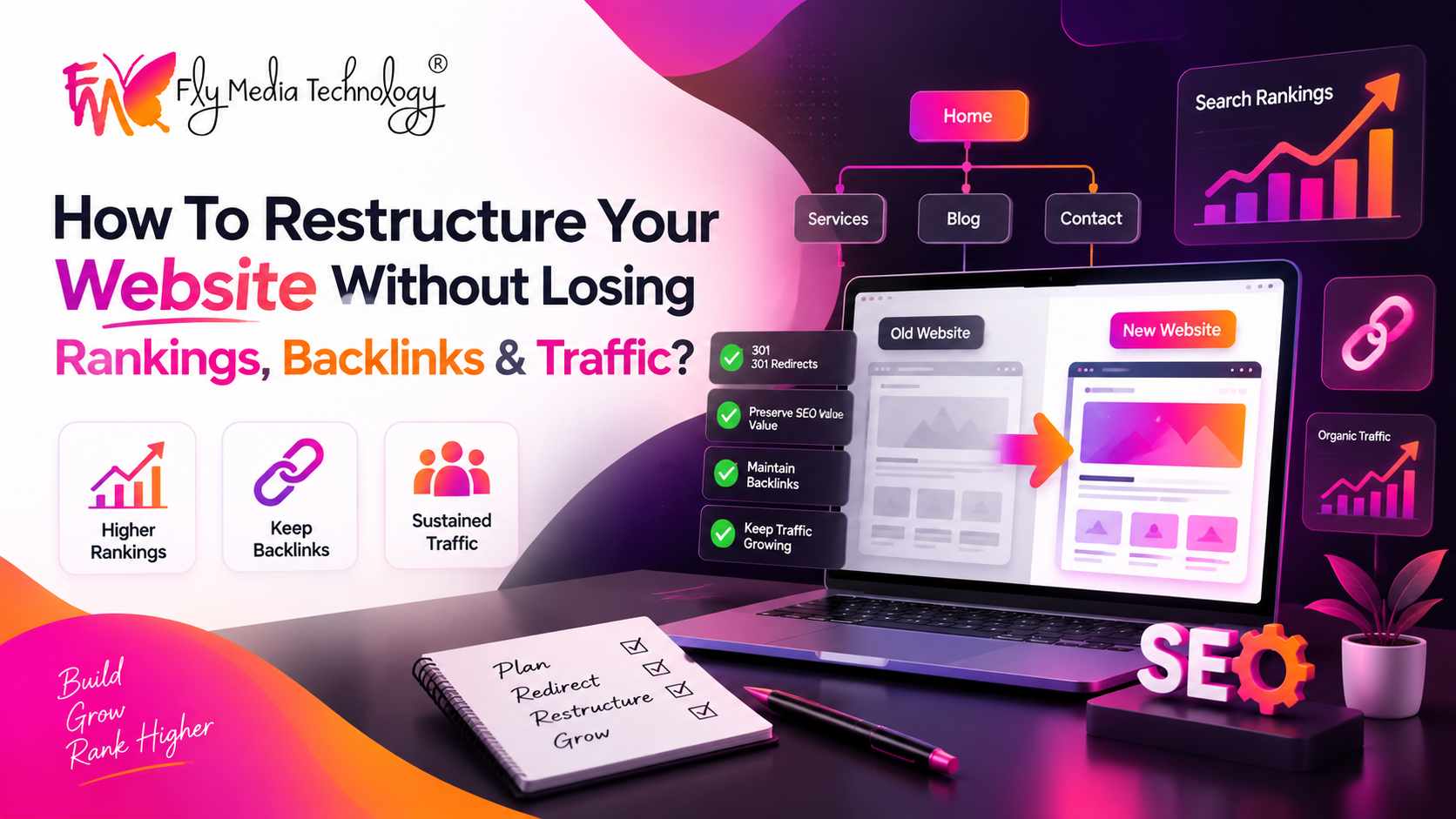
Mostly, individuals get confused when they are asked about designing and restructuring the entire website without losing its ranking and traffic. Are you also on the same page right now? If so, then welcome here; you’ll be provided with a complete website migration SEO checklist guide to preserve your organic traffic while constructing the old website!
Understand what exactly website migration SEO means!
It is the act of restructuring the entire domain, format and content management system while not losing its organic traffic, SEO rankings and original traffic. If you are worried about the same, then don’t worry; there are a few steps involved in precisely accomplishing website migration SEO.
Understand what needs to be protected!
Let’s understand this point with an example! Suppose a mid-sized retailer has decided to redesign its website, which includes 600 products with different service pages and goes on designing it blindly. What are the results? Eventually, he has to experience a drop in leads and zero traffic to his website, leaving him questioning where it went wrong.
The answer is a lack of importance placed on gathering information regarding the product pages that were running well and generating more leads and traffic. To prevent yourself from a similar situation, read the following points to know about your website migration SEO checklist.
Start crawling your website before redesigning to identify which SEO rankings worked well and which pages generated more leads.
Gather information such as H1s, meta titles, and URLs before changing everything to evaluate them deeply.
Which pages are ranking higher on your website, or which pages have been generating leads, not just traffic, is crucial to note down.
On which pages have the keywords been ranking well today? Note it down before redesigning.
To analyze the exact performance of your used keywords and backlinks, you can use Google Search Console, simplifying your entire task.
Don’t change everything!
Website redesigning does not include changing everything on the website, its content, URLs, and H1 titles. Redesigning a website does not mean starting your website from scratch; in fact, changing what’s necessary can make a significant difference.
Start by understanding whether URLs need to be changed or not. If yes, then change them; otherwise, there’s no need for that.
If the title pages have been ranking much better, then don’t change them. Instead, you can change the illustration or existing photographs.
Also, if the content from your specific website page is performing well, then keep it the same to let you experience more leads.
What can be changed?
If your business has included something new in its services, then the content can be changed for crystal-clear instructions.
Changing the CTA and button design can be an excellent idea to make your website look more impressive and attractive.
Layout and visual hierarchy changes can also be preferred to make your website look more engaging.
Prefer URL mapping and 301 redirects!
As mentioned above, if your URL is working well already, then avoid redesigning it; however, if it isn’t working, then changing it would be an excellent choice.
Thoroughly note down the URLs of your website pages to direct them to an equivalent one is a crucial step to follow.
Instead of adding all the dead pages to the homepage, ensure you represent the old page with its closest functional equivalent.
There’s no need to redirect the chains; for example, avoid redirecting A to B and then to C. Instead, prefer directing A to C directly.
Most importantly, implementing 301 redirects plays a key role, as it helps search engines direct users to your new website instead of showing them 404 errors.
Test before launching the website!
This is the crucial step that should be followed precisely to prevent any obstacles and confusion after launching.
First and foremost, ensure you consider your website as “noindex” so that search engines do not index your website.
You can use PageSpeed Insights to thoroughly test the efficiency and speed of your website pages before launching.
Most importantly, check whether your website is mobile-friendly or not in order to prevent any further obstacles.
Through robots.txt, you can check whether your website has not blocked the search engines to prevent any results delay.
Check whether your Google Business Profile and running ads are associated with the URL that exists right now.
Check whether your pages are working properly and scan for any redirect chains and broken links to prevent organic traffic loss.
Here’s your short website migration SEO guide!
Thoroughly crawl and analyze each page of your website to note which pages should be preserved.
Mapping the URLs after understanding whether your URL address needs a change or not to preserve your organic traffic.
Testing your website before launching in terms of its analytical performance, broken links and loading efficiency.
After launching, monitor your website for 404 errors or use robots.txt to check whether your website has not blocked search engines from optimizing the content.
Understand what the meaning of KPI is?
Key Performance Indicators (KPI) are the most effective source for analyzing the functioning of your website, whether it has achieved its desired goals and targets or not. No matter whether your business type or whether it's associated with finance or marketing, KPI can help you get an accurate analysis of your website performance so that you can make a better decision.
Your strategy for developing KPIs!
Understand relevant KPI for your business.
Make sure that you thoroughly understand the exact functioning of KPIs and choose the relevant ones for your business. You can do this by having a word with someone who has already been using KPI data.
Align with your business goals.
Make sure to choose the specific KPI that directly aligns with your business goals, eventually bringing better outcomes.
Choose specific and smart KPI.
Choose smart KPIs such as “increase new sales revenue by 20% within the next quarter” in order to make it specific.
Educate your team
Make sure that your team is well aware of the use of specific KPIs so that they can coordinate properly and in the right direction.
The Bottom Line!
Summing up the above-mentioned points, you might have understood the crucial steps involved in redesigning the website without losing its backlinks, SEO and traffic, thus letting your website turn into an engaging one while its organic traffic and leads have been preserved. This task requires a precise understanding of managing the URL links, along with an intellectual factor for analyzing which crucial aspect of website redesigning requires a change.
If you have been looking for professionals to redesign your website without losing SEO, then here we are! The experts at FlyMedia Technology are actively engaged in providing you with smart techniques and strategies for delivering precise results. Meet our mastermind, Mr. Anuj Gupta, actively training and inculcating new digital marketing techniques in the team members to achieve excellent outcomes.
FAQs
Does website designing take more than a month?
The exact time for redesigning the website entirely depends on the complexity of the specific website; otherwise, it can take more than 10 weeks to get better results.
Which is better, custom or template-based websites?
Both can be an excellent option; you can choose according to your specific needs. For example, if you want to focus on long-term growth, then custom websites would be better; however, if your budget is tight, then going for template-based websites would be better.
Is website refreshing different from website redesigning?
Yes, website refreshing is associated with changing the surface-level visuals; on the other hand, website redesigning includes architectural and navigation changes.
Is website migration SEO expensive in Ludhiana?
No, website migration SEO in Ludhiana is generally not expensive and typically starts from Rs. 8,000 to get precise results.
After how much time can I expect the results from website redesigning?
The speed and efficiency of the website after a website redesign can be seen on the same day; however, SEO results and conversion rates might take some time, approximately 2 to 6 months.
